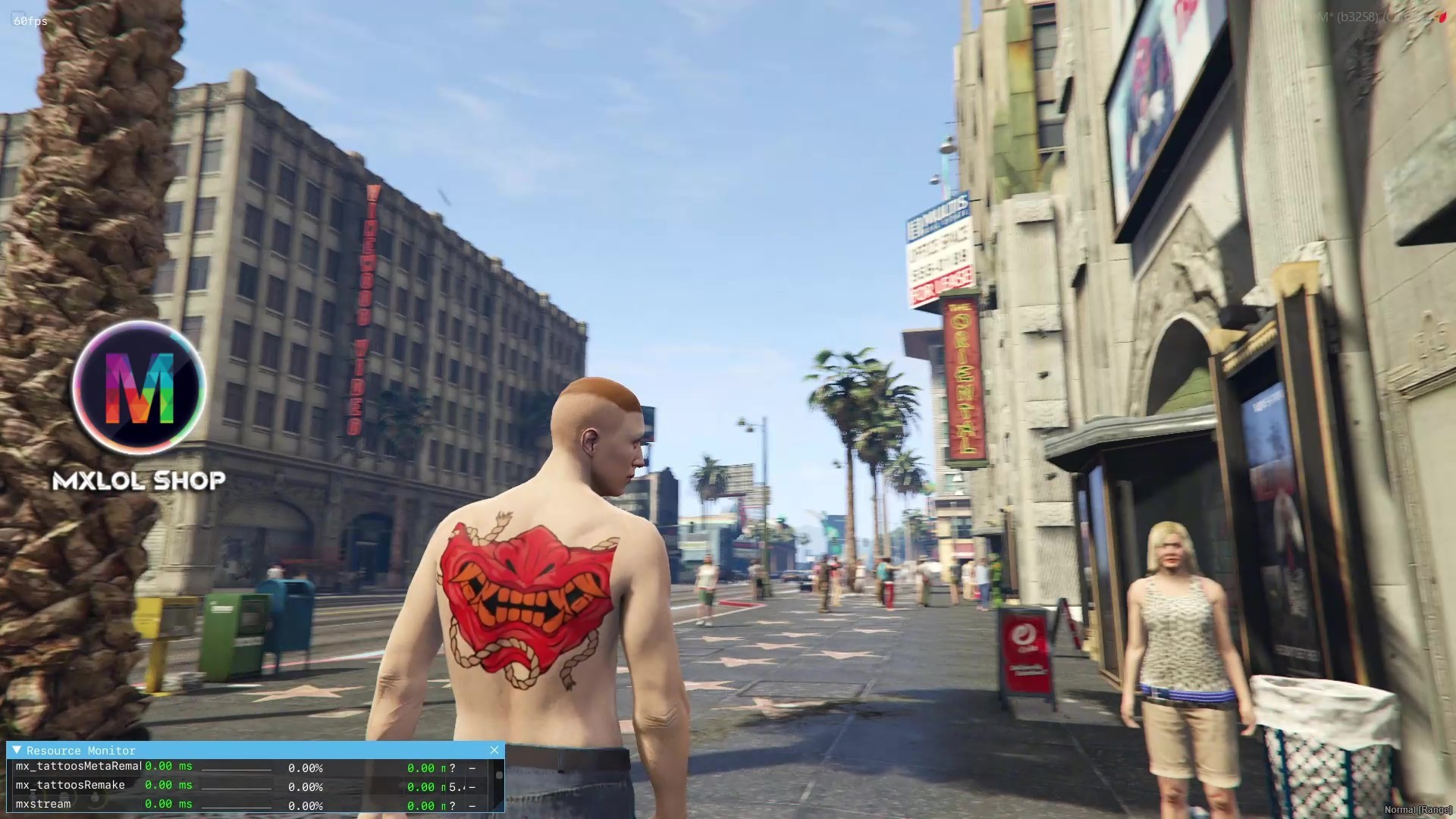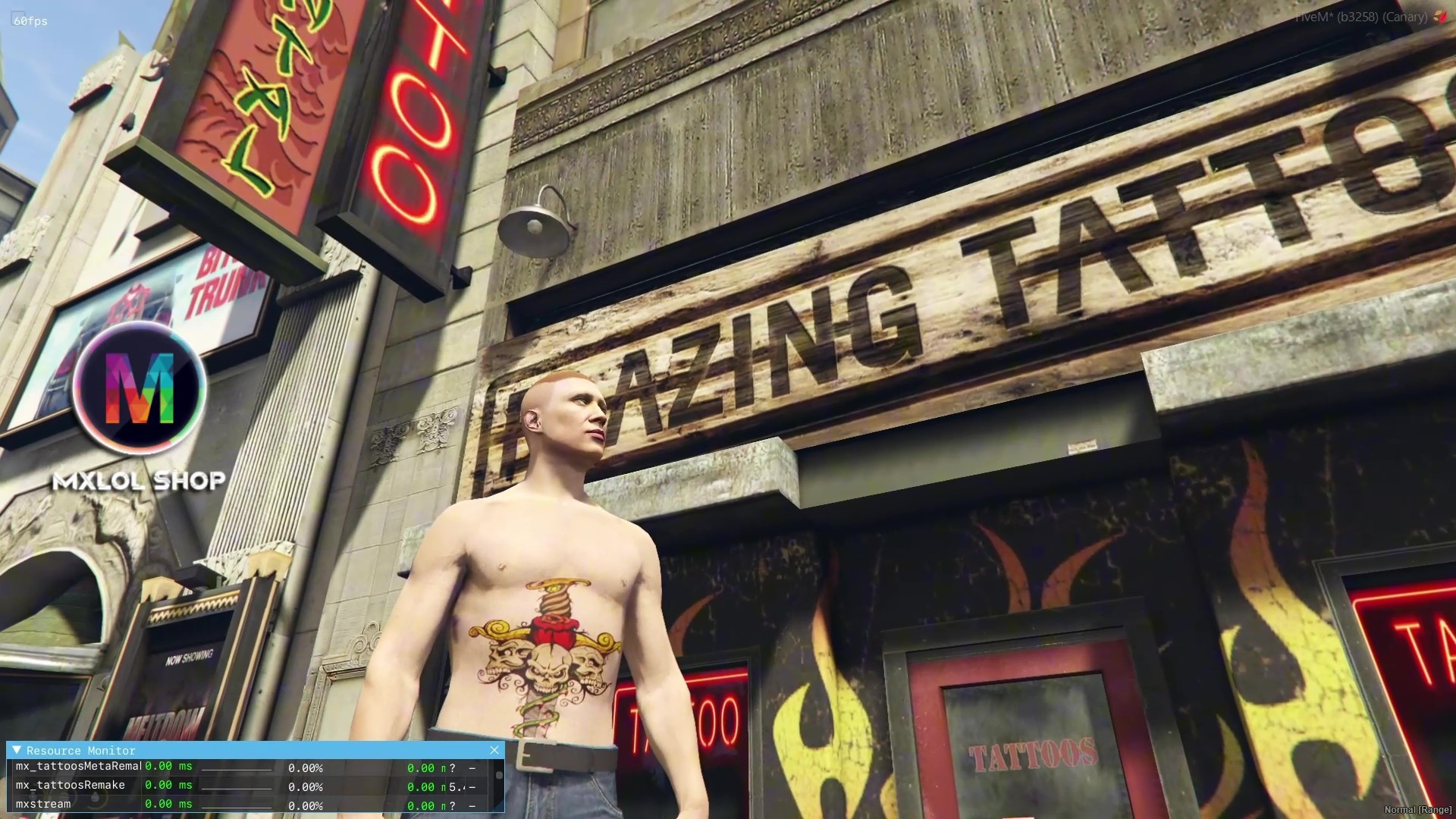
Explanation:
This is a remake Tattoos Shop, with added features and improvements.
You have complete freedom to create your own tattoos, use the standard GTA:ONLINE tattoos, and use tattoo ADDONs.
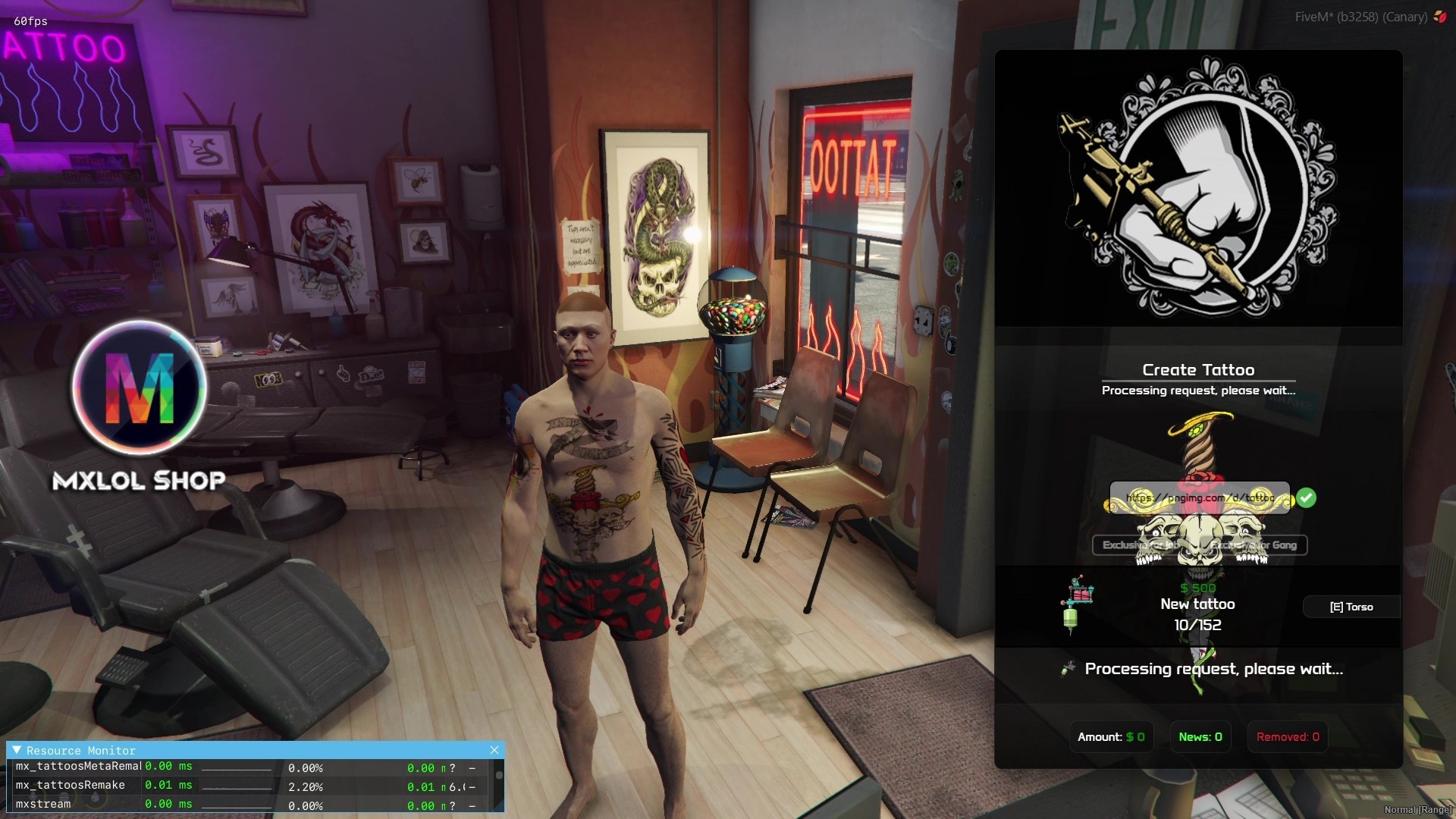
Now you can create your own tattoo using an image link.
GTA Tattoos: VIDEO
Create custom tattoo: VIDEO
Features:
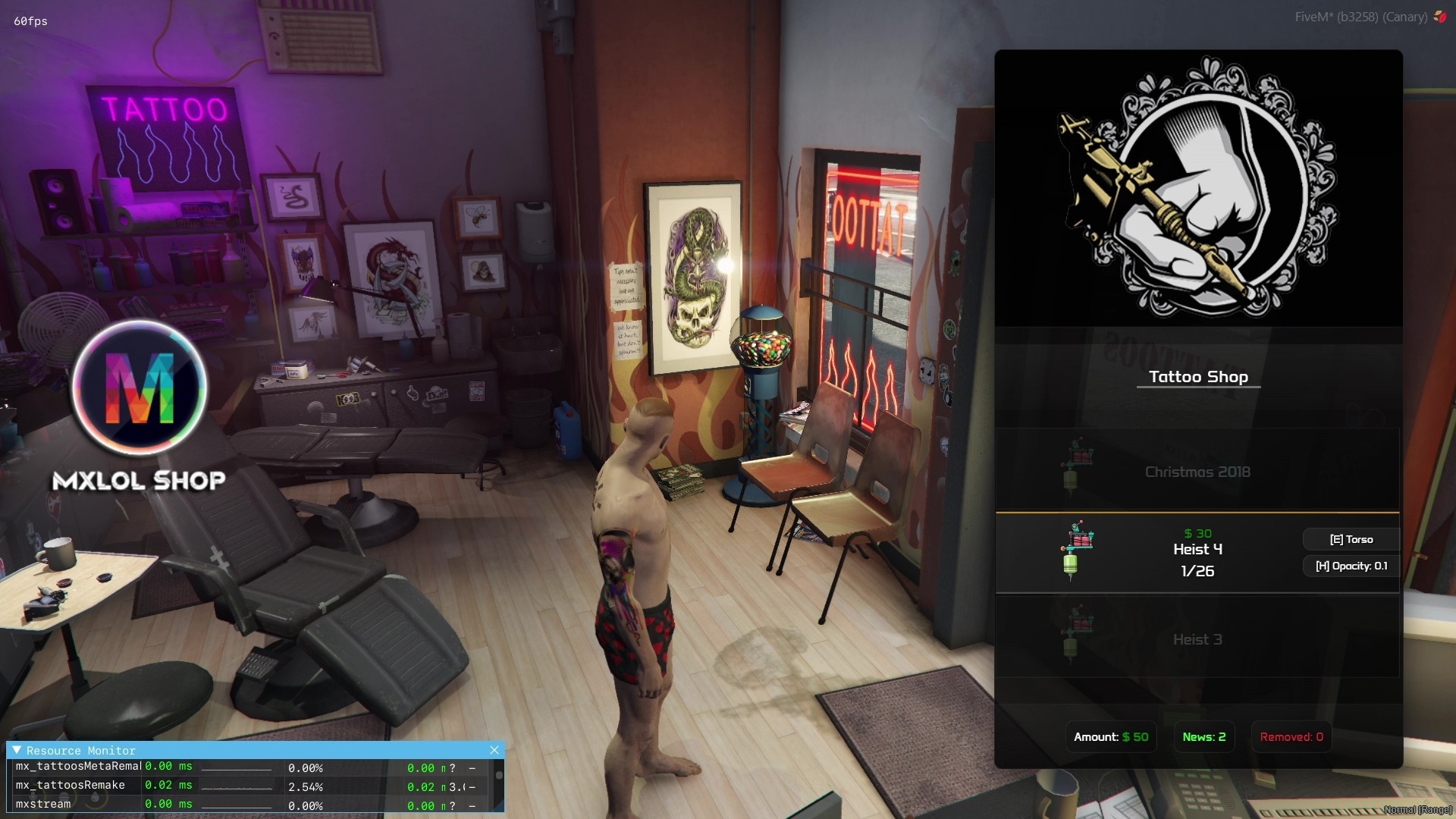
GTA: ONLINE Tattoos and Addon Tattoos
- Basically all GTA tattoos are listed in the shop.
- Addon tattoo support; just create the packs correctly with the collection (DLC), overlays (hashes), and configure them in the script.
- By default, all tattoos from each DLC have a fixed price, and each DLC can have a different price for each tattoo.
- It is possible to set the individual price of each tattoo in the 'client/tattoos.lua' file.
- It is possible to define the permissions of who can use that tattoo, based on the player's job or gang, in the 'client/tattoos.lua' file.
Tattoo Creation
- Allows the use of any image link from the internet.
- Image validation, checking for transparency and defined dimensions (up to 2048x2048).
- Predefined tattoo locations on the body in the PED.
- Defined time for the new tattoo to appear in the shop.
- Support for FiveManager API KEY, preventing expired links (e.g., Discord image links).
- Defined price for creating a custom tattoo.
- Can define JOB or GANG exclusivity, and only players with this permission can purchase the tattoo.
Removal and cleaning of custom tattoos
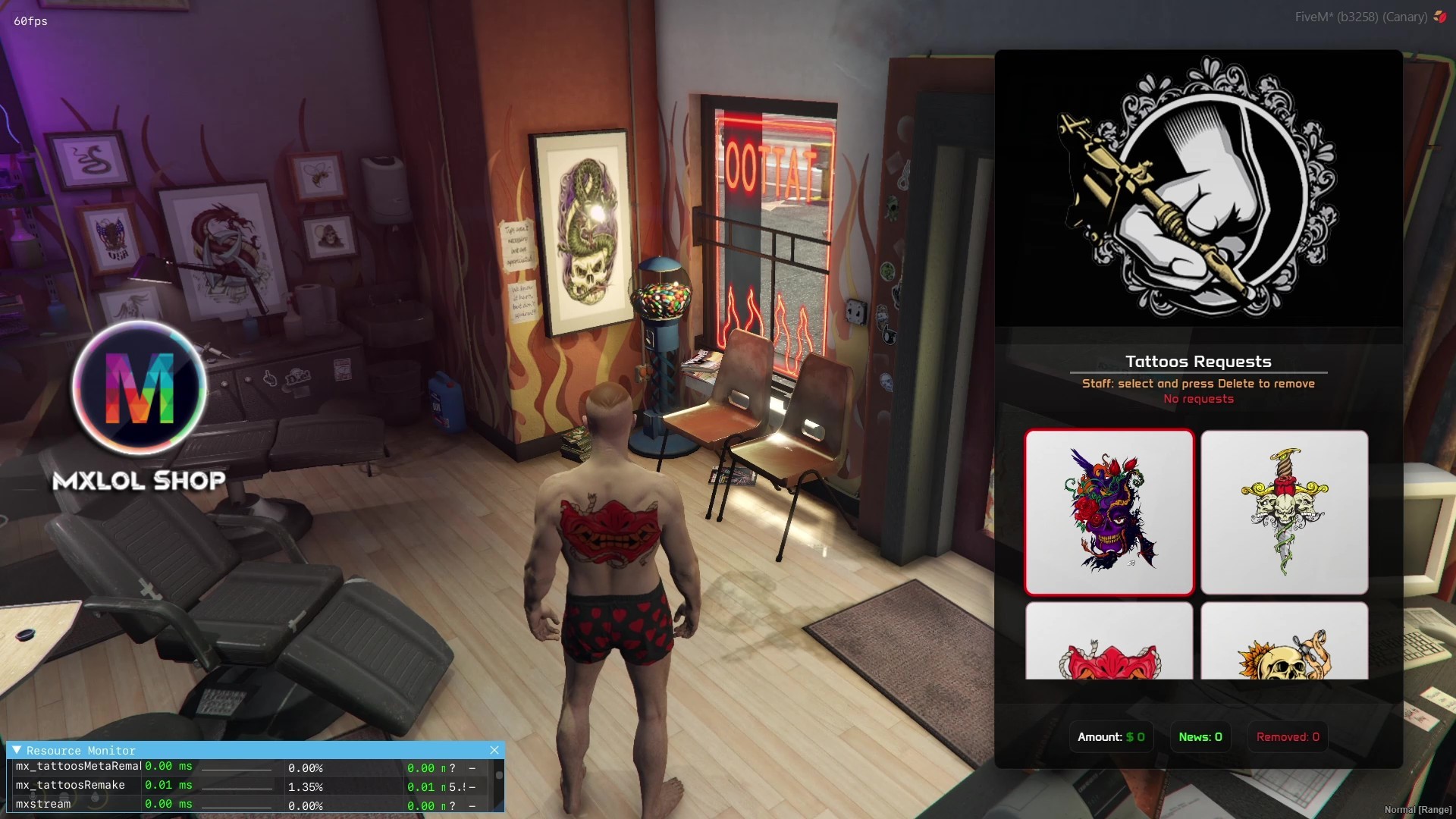
- Only ACE (staff) players can delete a custom tattoo.
- The system automatically deletes it from the database, .meta files, online players, and fivemanager.
Permissions
- Support for tattoo restrictions by permission type, JOB or GANG.
- When attempting to purchase a restricted tattoo, if the player does not have permission, they are prevented from purchasing it.
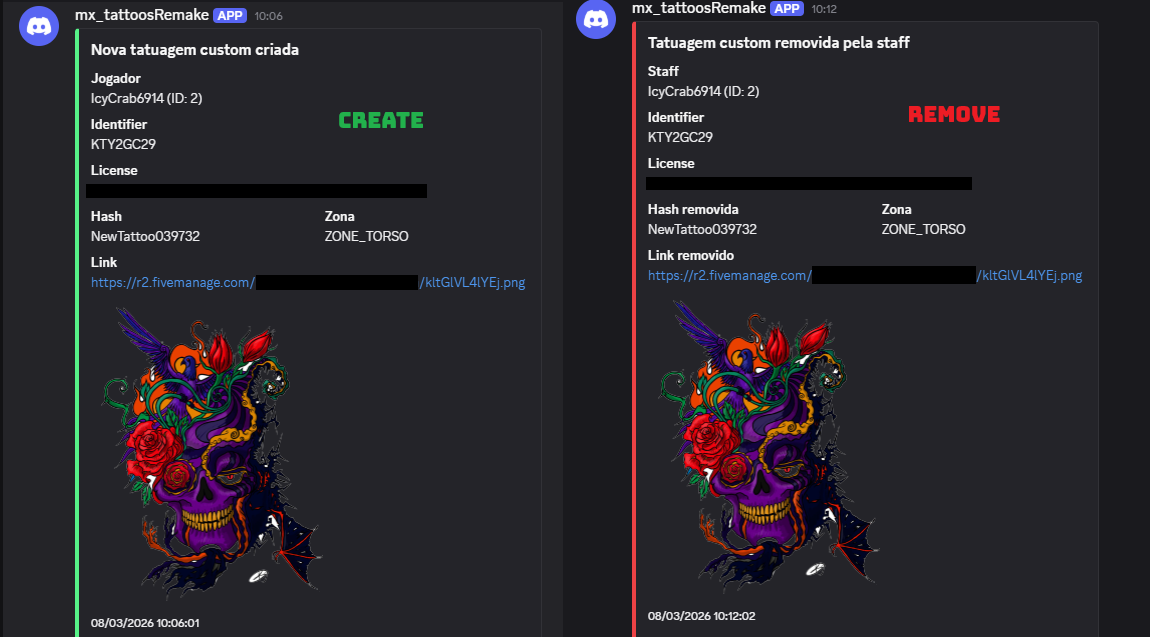
LOGS
- Log system via Discord.
- Every custom tattoo created is reported on Discord, indicating who created it and an image of the tattoo.
- Every custom tattoo deleted is reported on Discord, indicating the staff member who deleted it.
Translations
- The entire script is easily translatable in 'config.lua'.
Installation
- It's simple, just get the script and run it on the server.
- Next, you need to grant permission to the script in the server.cfg file. Just add this line: add_ace resource.mx_tattoosRemake allow -> (obviously if you change the script name, change it here as well).
- This is necessary to update the files and for the new tattoos to be available for use.
Ox_target
+ Compatible with ox_target
Database
- The script will create the database automatically.
Images
Main Menu
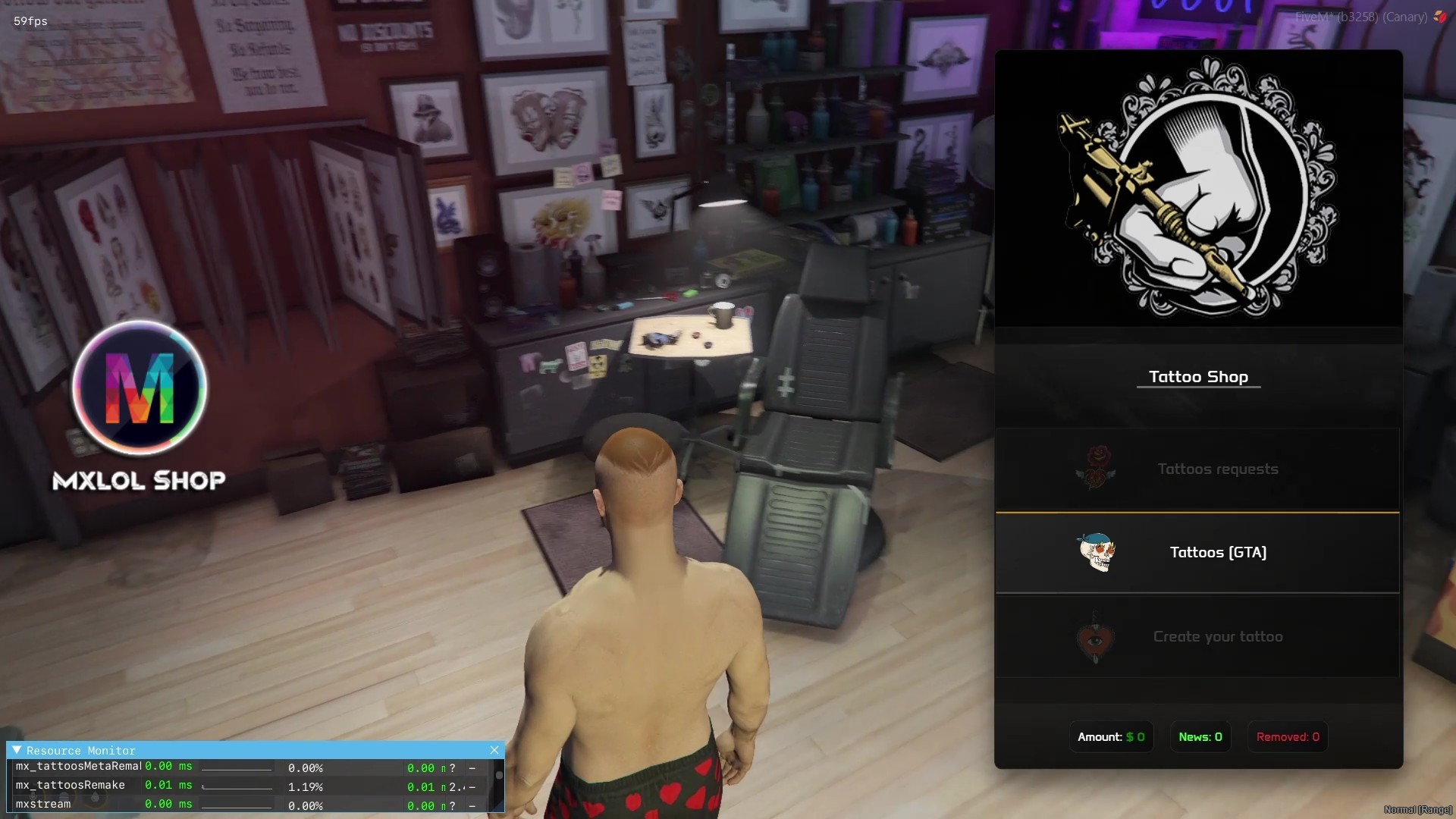
Tattoo list
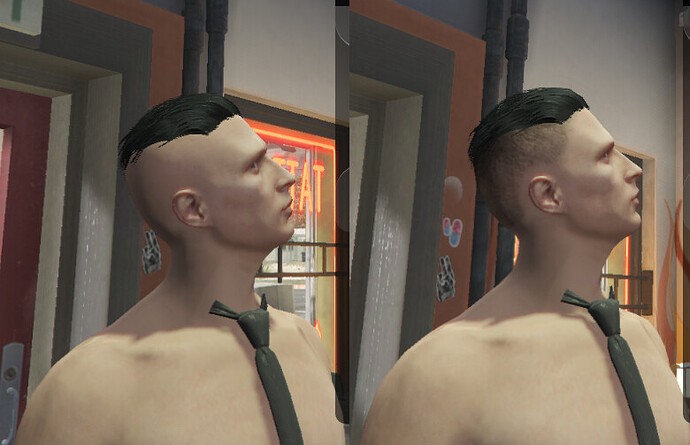
Degrade Hair
Create tattoo
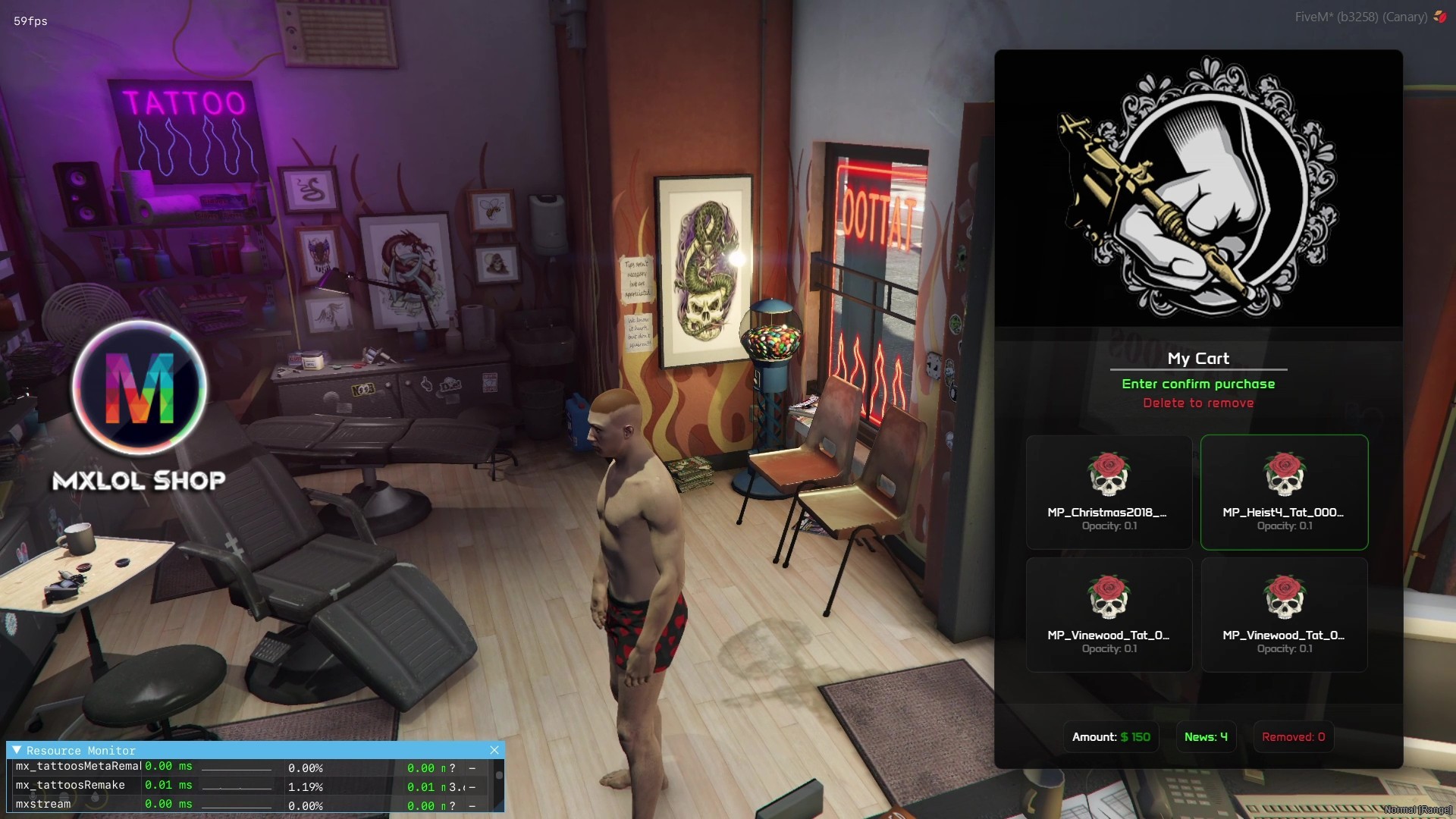
My Cart
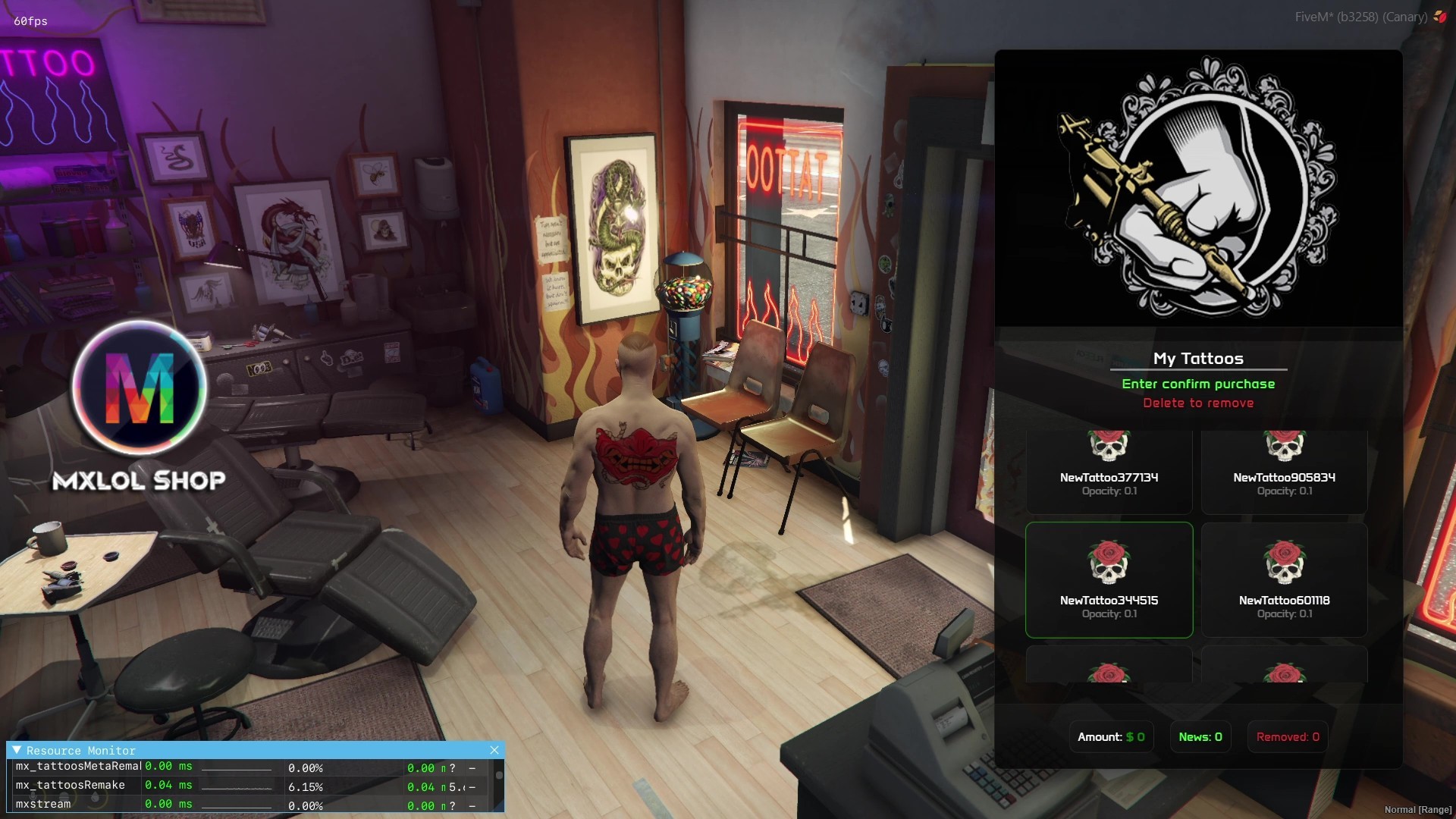
My tattoos list
Tattoos requests
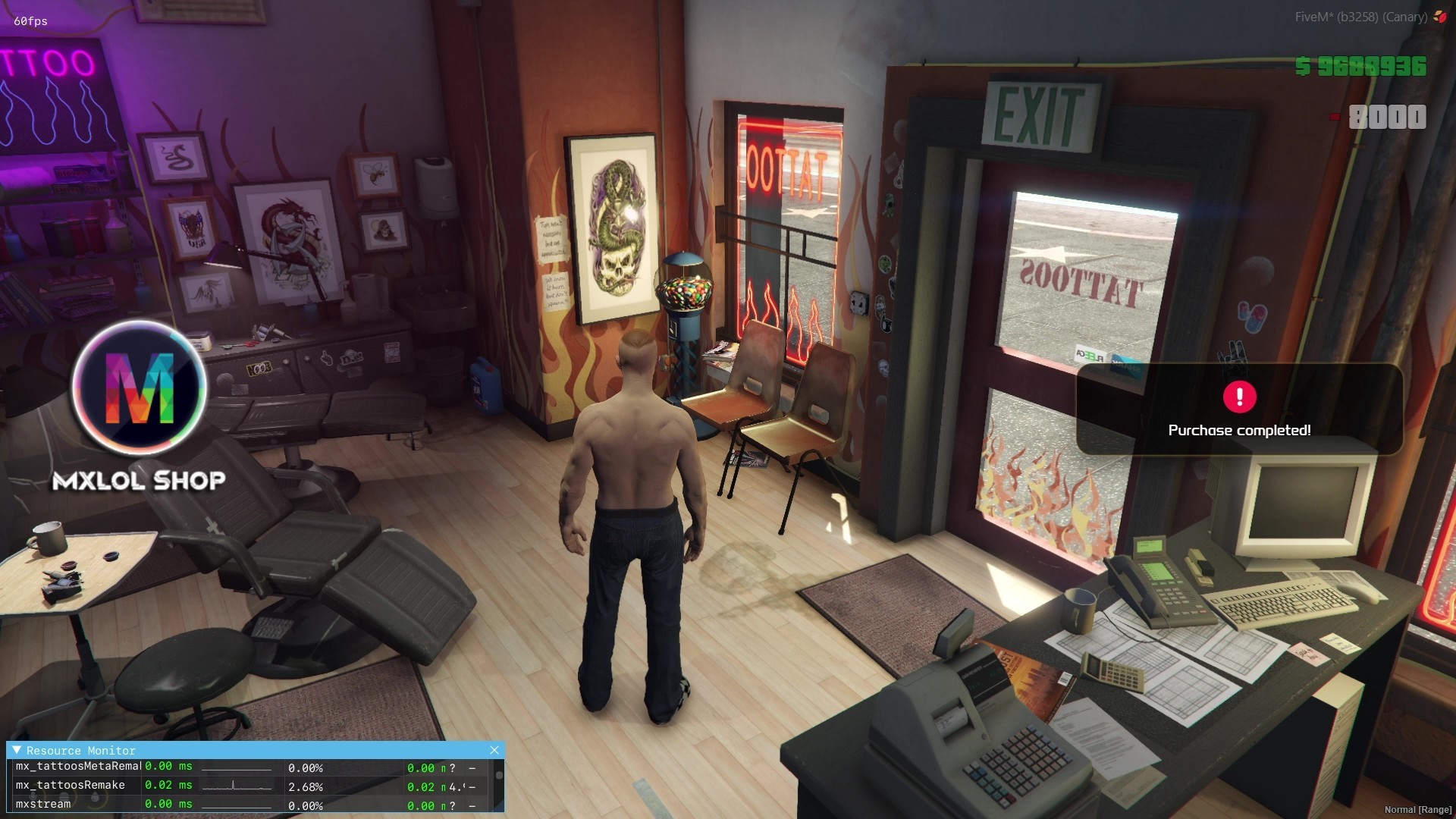
Notification
Example custom tattoos