

Explanation
This script is a tattoo shop containing basically all the tattoos in the game, if I’m not forgetting any right :)
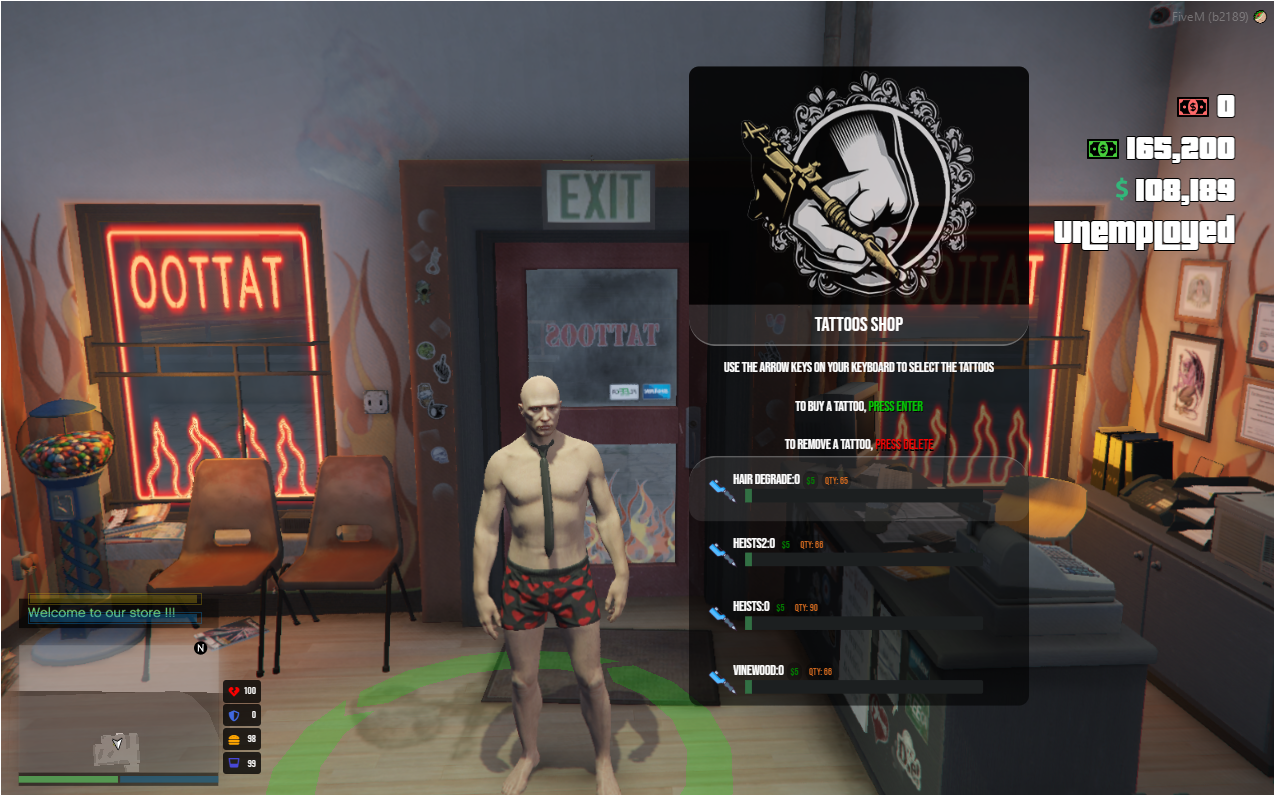
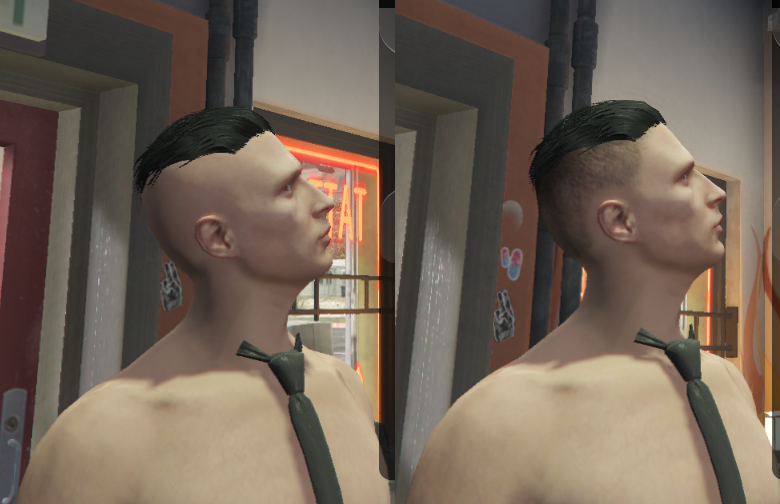
In this store you also have a very interesting option, which is the gradient hair.
Obviously this option should not be in this store, but, as it is in the same system as tattoos, I put it as an EXTRA, you can choose whether to use it or not.
A very important warning, some tattoos like mpheist4, mpheist3 and mpvinewood are necessary to use FiveM’s Build 2189 (sv_enforceGameBuild 2189).
If you do not want to force this build, these tattoos are disabled by default and you will have to transmit these tattoos (Addon).
And in the script, it does not come with the files of these tattoos, that is, in the standard fivem build, these tattoos will not work.
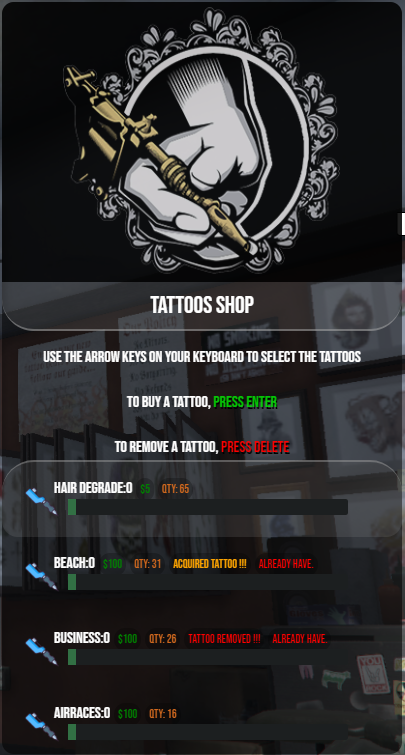
Characteristics
You will receive 2 versions of this script: ESX and Standalone.
Easy to translate and configure
Graphic interface.
Press E on the blip to open the store.
Use the arrows on your keyboard, Up, Down, Left, Right to move the menu.
Use the ENTER key to confirm the purchase of the tattoo.
Use the DELETE key to remove a tattoo.
Free camera giving the player to view the tattoo the way they want.
The player’s clothes are automatically removed when they enter the menu, and when they leave, they are replaced again.
Shows the value of the tattoo in that category.
Shows how many tattoos you have in that category.
When you are seeing the tattoos, if you already have that tattoo, you are informed in the menu.
To close the store and confirm your purchase, simply exit the blip or press ESC.
Positions
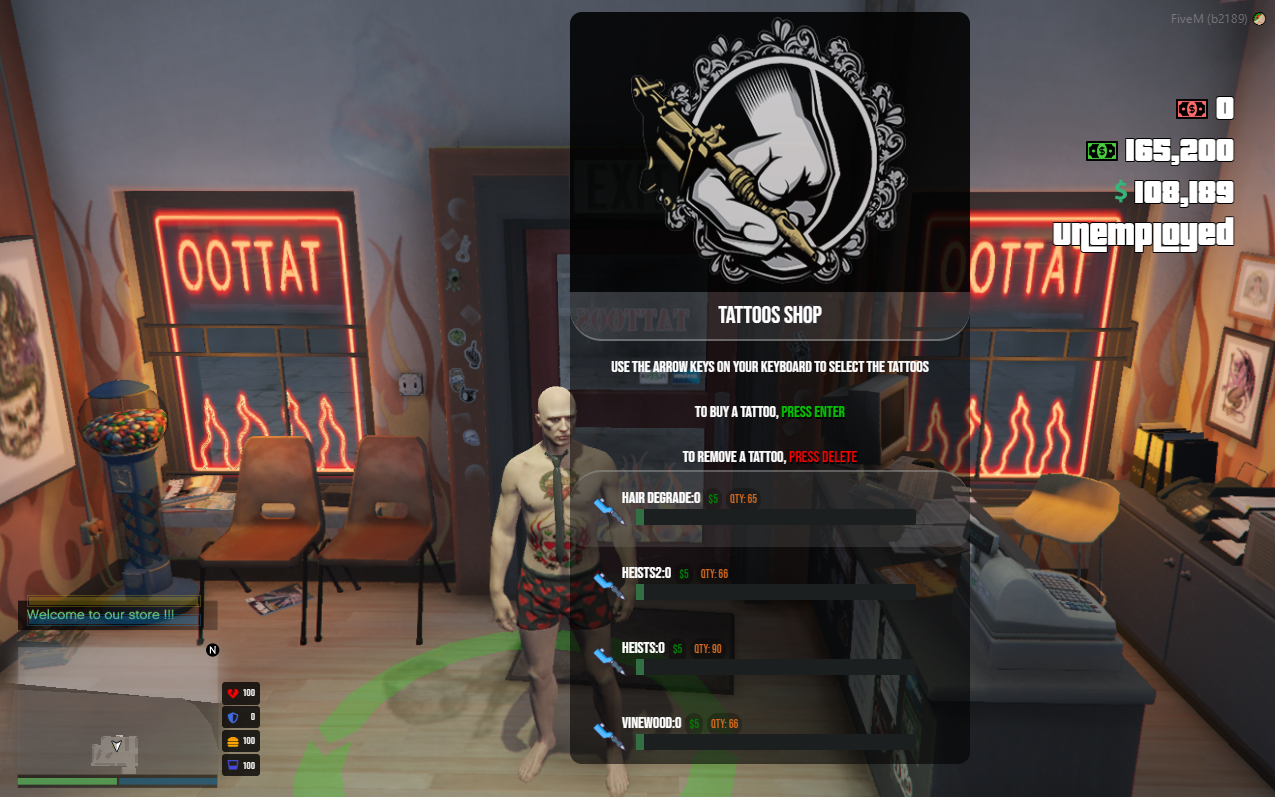
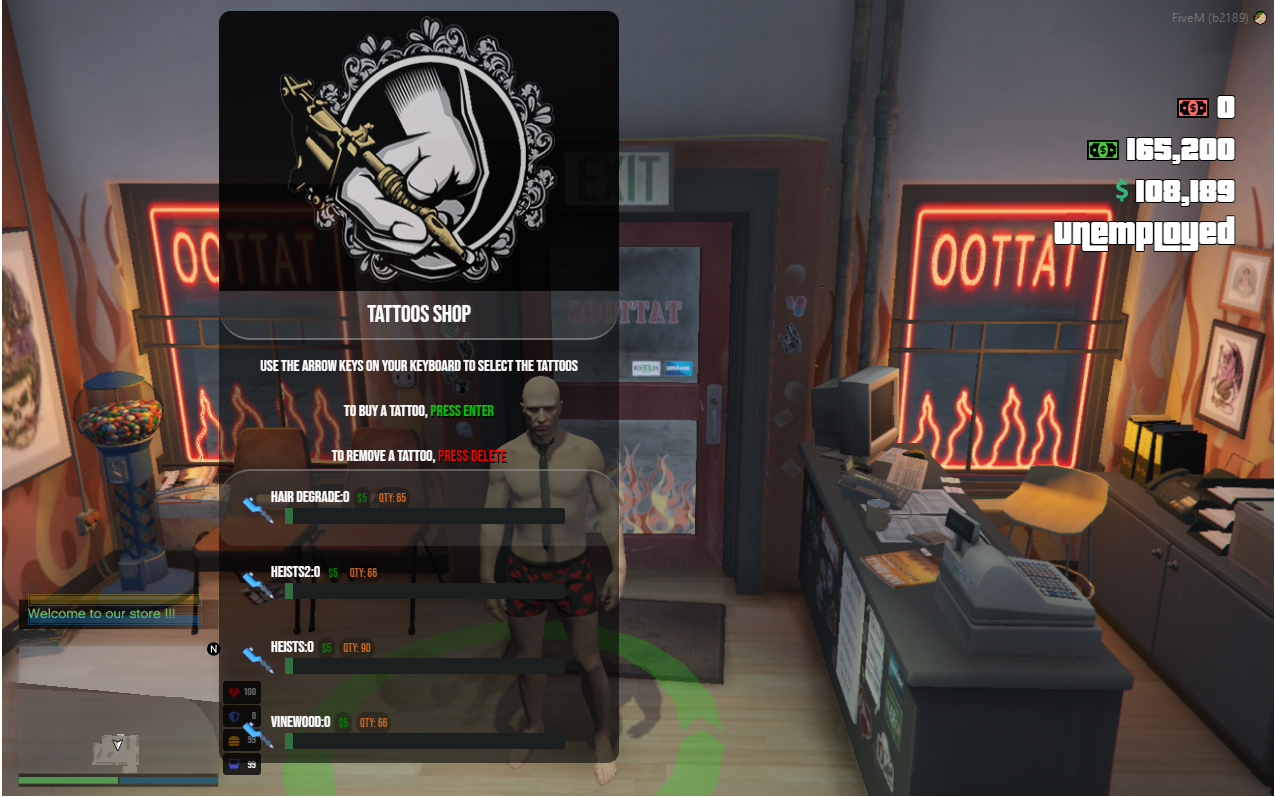
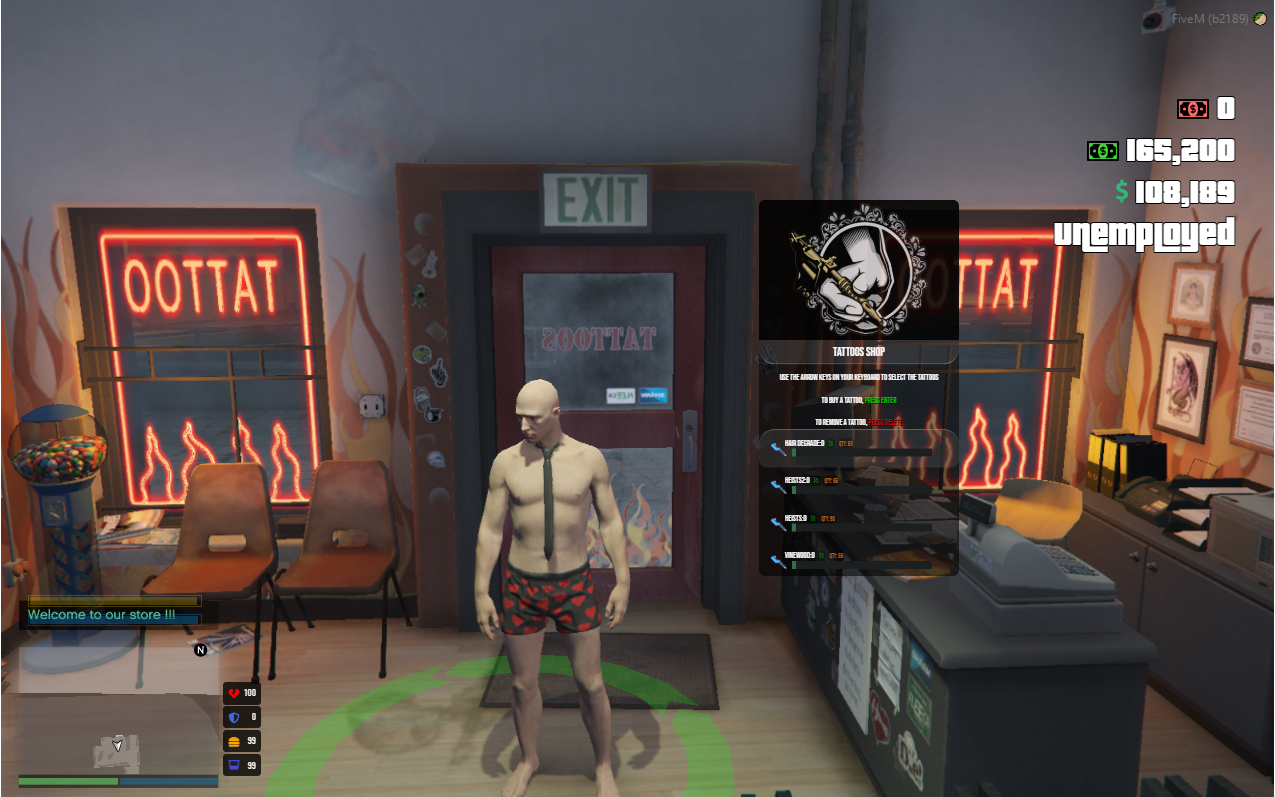
Scale
EXTRA - HAIR DEGRADE
Well, as I mentioned above, you can use or disable this option in configurate.lua, just comment on the ‘tattoos_list’ the ‘Hair Degrade’.
Video
Link: https://www.youtube.com/watch?v=H-XJpsjaNyw&ab_channel=MxLoL
Remove tattoos
Just go up or down the entire list, the tab will be changed and the remove button will appear, that’s all PRESS ENTER or DELETE and you’re done.
Vídeo
Link: https://www.youtube.com/watch?v=_PgRznEnyU4&ab_channel=MxLoL
How to configure
In order for this script to work correctly, it is necessary to DISABLE any tattoo script you may have on your server.
Just put it in your resources folder, add it to your server.cfg (start mx_tattoos) and start the server
It is necessary to configure the clothes, that is, put the id of some invisible clothes so that the player can see the tattoos, this can be done in the ‘list_cloth’ in configurate.lua, just change the male_id and female_id
At configurate.lua, you can change the prices of tattoos, remove some category of tattoo, feel free.
In configurate.lua and tattoos_vectors.lua, you can add tattoos ADDONS, however, we do not provide any support for this.
In order for all tattoos already defined in configurate.lua, it is necessary to use BUILD (sv_enforceGameBuild 2189), otherwise, it is necessary to transmit the DLC.
In configurate.lua, you can activate or deactivate the removal of clothes, in case you already have a command that does this.
In configurate.lua, you can translate any text that the graphical interface has in any way you want.
In configurate.lua, you can change the scale, position, and adjust it as desired.
At configurate.lua, you can enable the option of FREE tattoos, that is, the player will not be charged.
UPDATE 1.0
(ESX)
- Swapped the Spawnplayer event for the ESX own event
(STANDALONE / ESX)
Increased the waiting time when retrieving information from the database when the spawn player
Added a notification when entering the store’s blip. You can change the text of this notification on configurate.lua
Fixed a bug when buying a tattoo, if the player had no money, he could buy the tattoo, now no more
Attention: To those who had support with me and had to make changes, mainly because of the ESX event (“esx: getSharedObject”), be careful when using this new version, you will have to redo the changes again
Those who have already purchased can download directly from the download link (Build 1.0)
Update 2.0 (Build 2.0)
Html (VueJS)
- Fixed an index error when browsing tattoos
- Fixed a font family bug where some customers had a default font family
ESX / STANDALONE
- Updated fxmanist.lua (fx_version)
- Now you can change the resource folder name
- Added 62 tattoos that were missing (DLC: Christmas2017 and DLC: Christmas2018)
Thanks for the feedback.
Dependencies
this script automatically creates the table in the database.
- mysql-async
This script has no IP protection or encryption.